
Scan, OCR, Sign
and Manage PDFs
on Android and iPhone
Turn your phone into a powerful scanner. Scan documents, extract text with OCR, fill and sign PDFs, scan ID cards, manage receipts and much more — anytime, anywhere.
Trusted by users around the world
Everything you need for your documents
A complete toolkit to be more productive, at home, at work, or on the go.
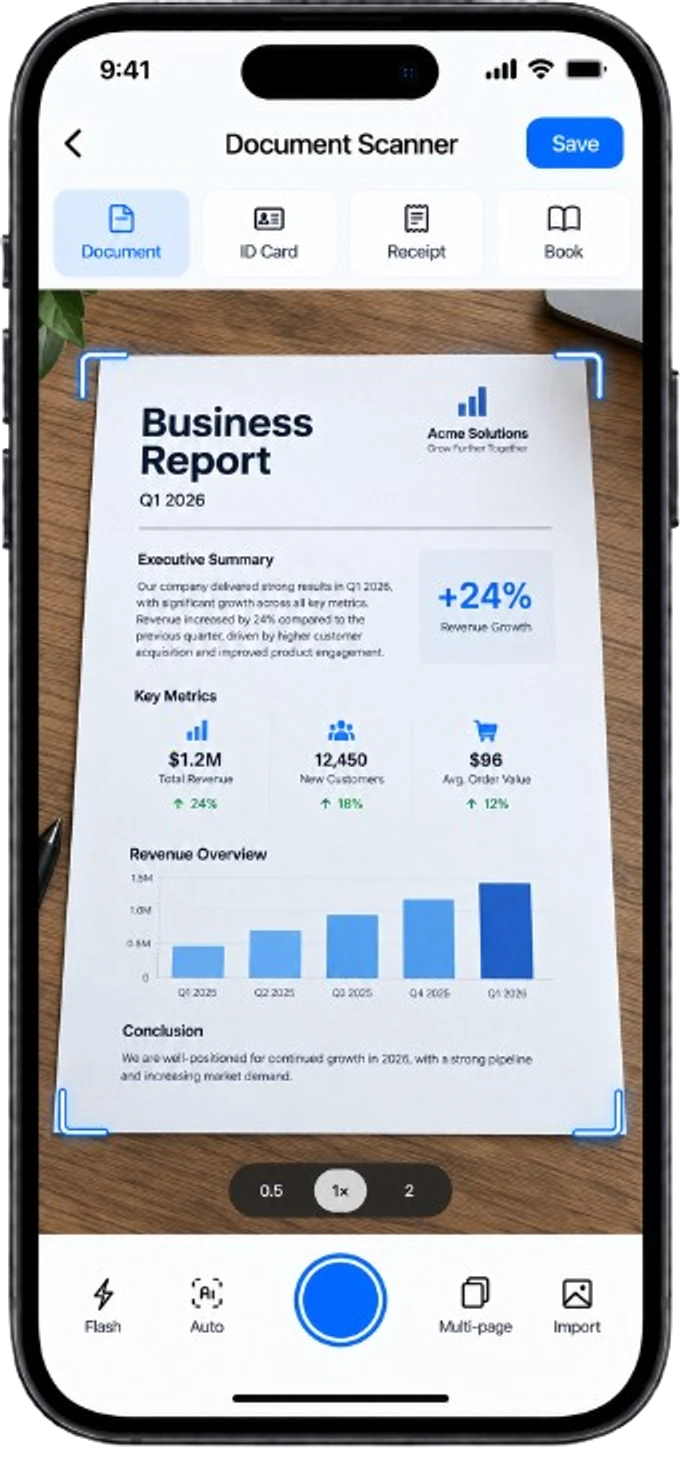
PDF Scanner
- Automatic edge detection
- Perspective correction
- Professional filters
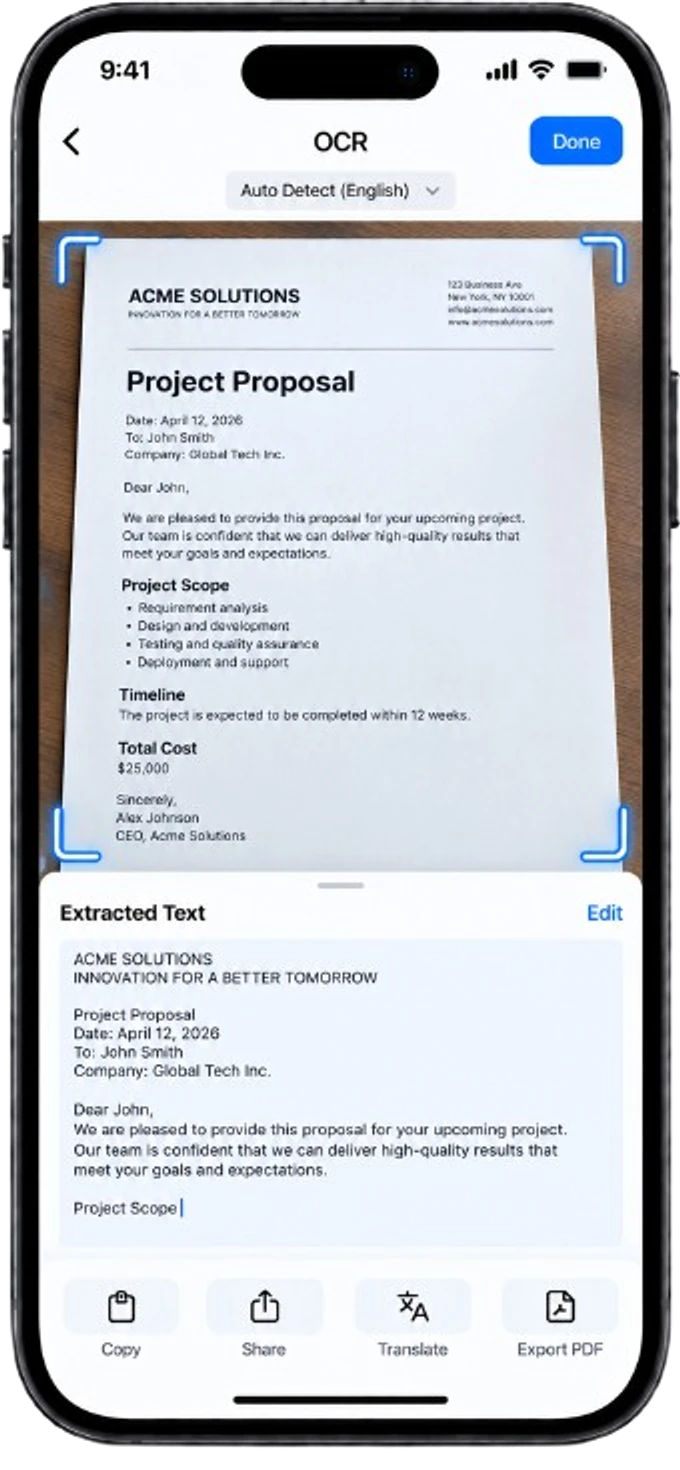
OCR
- Extract & search text
- Export to Word
- 58+ languages
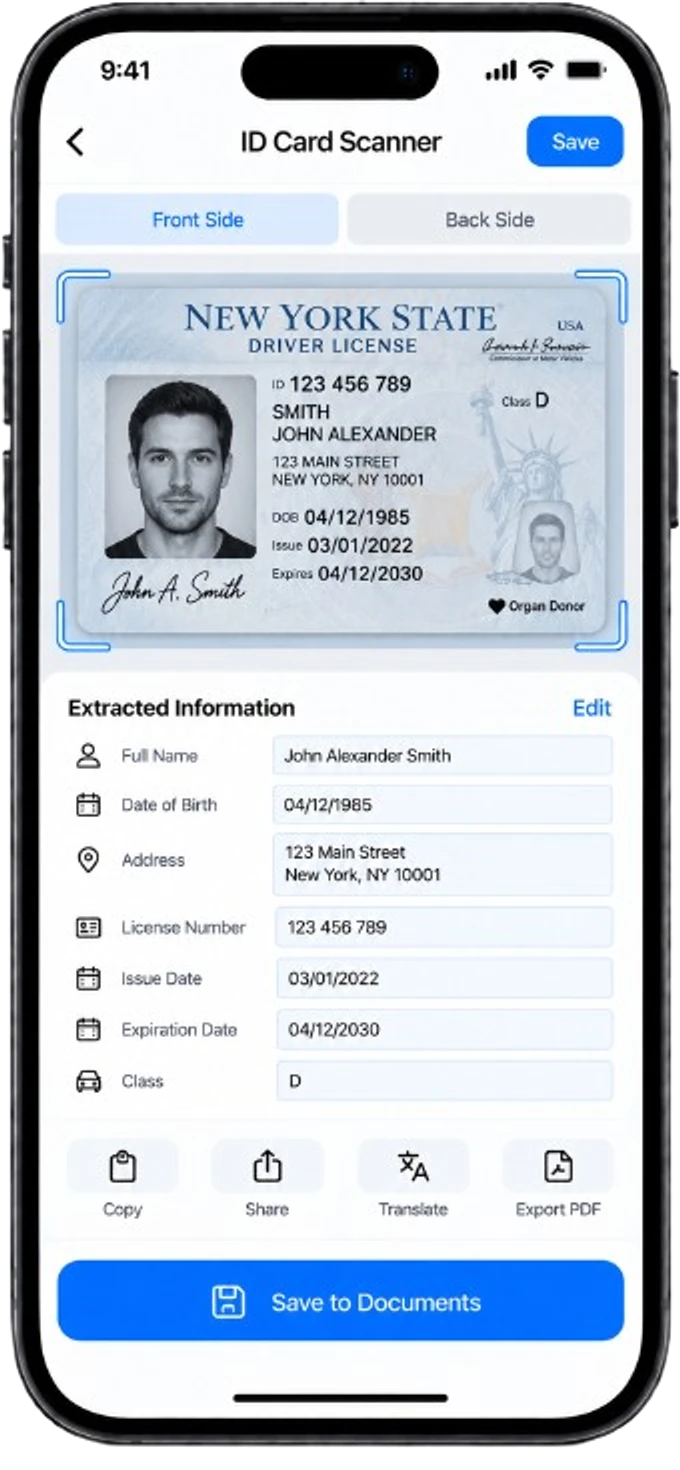
ID Card Scanner
- Front & back scan
- Automatic detection
- Data extraction
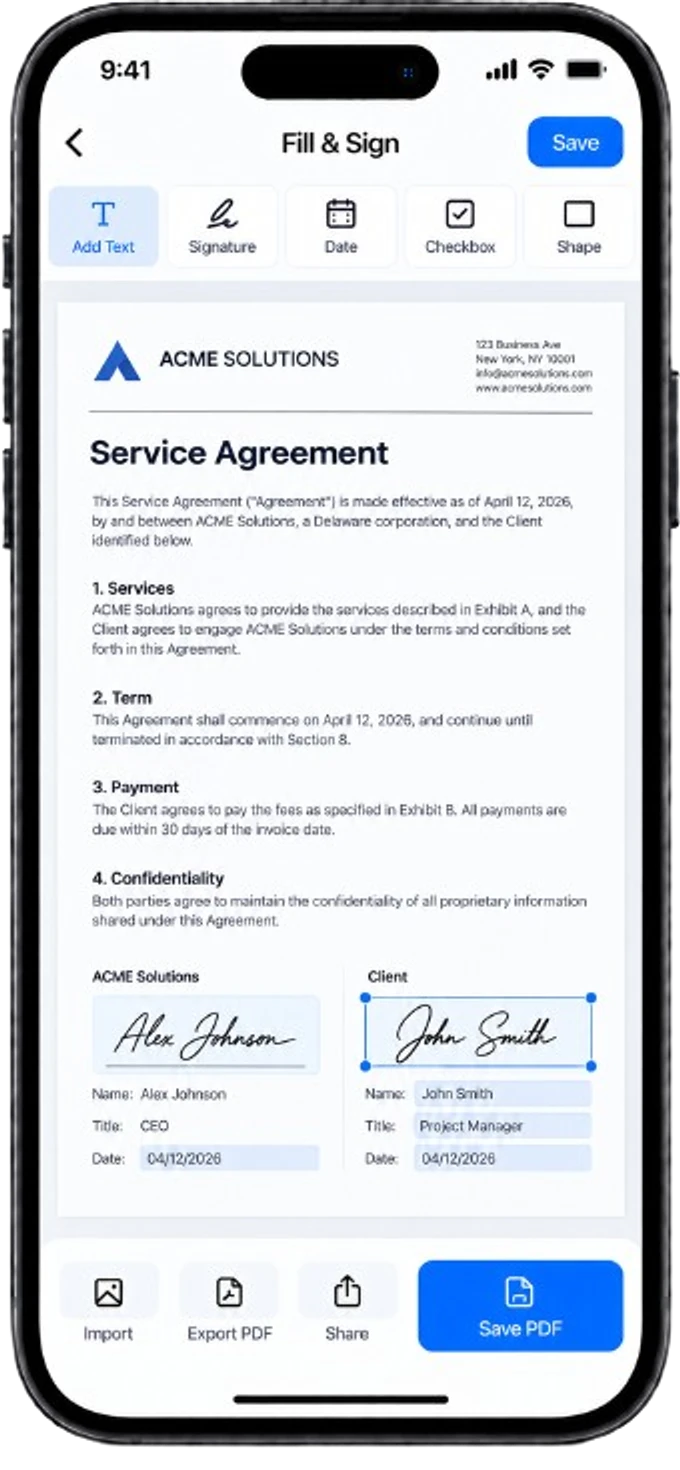
Fill & Sign
- Handwritten signature
- Add text & checkboxes
- Free positioning
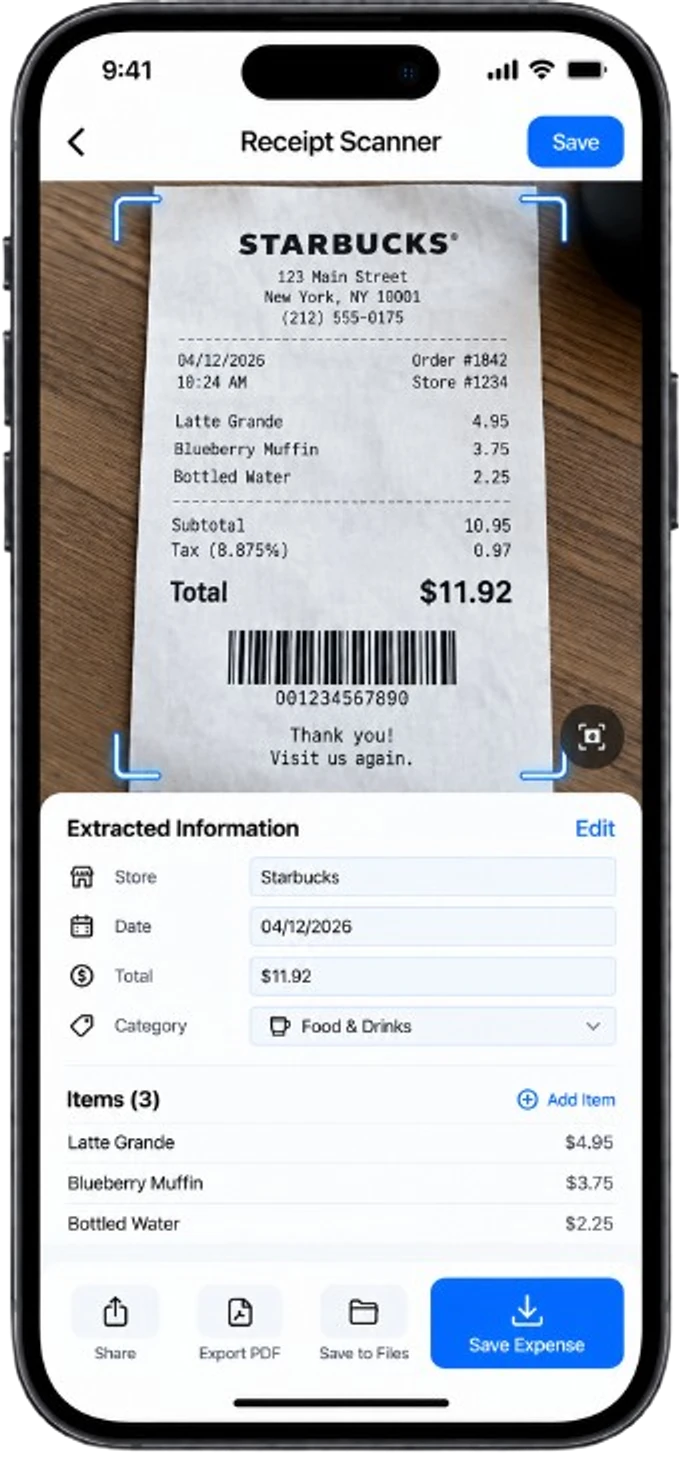
Receipts & Expenses
- Receipt scanning
- Automatic OCR
- Export to Excel
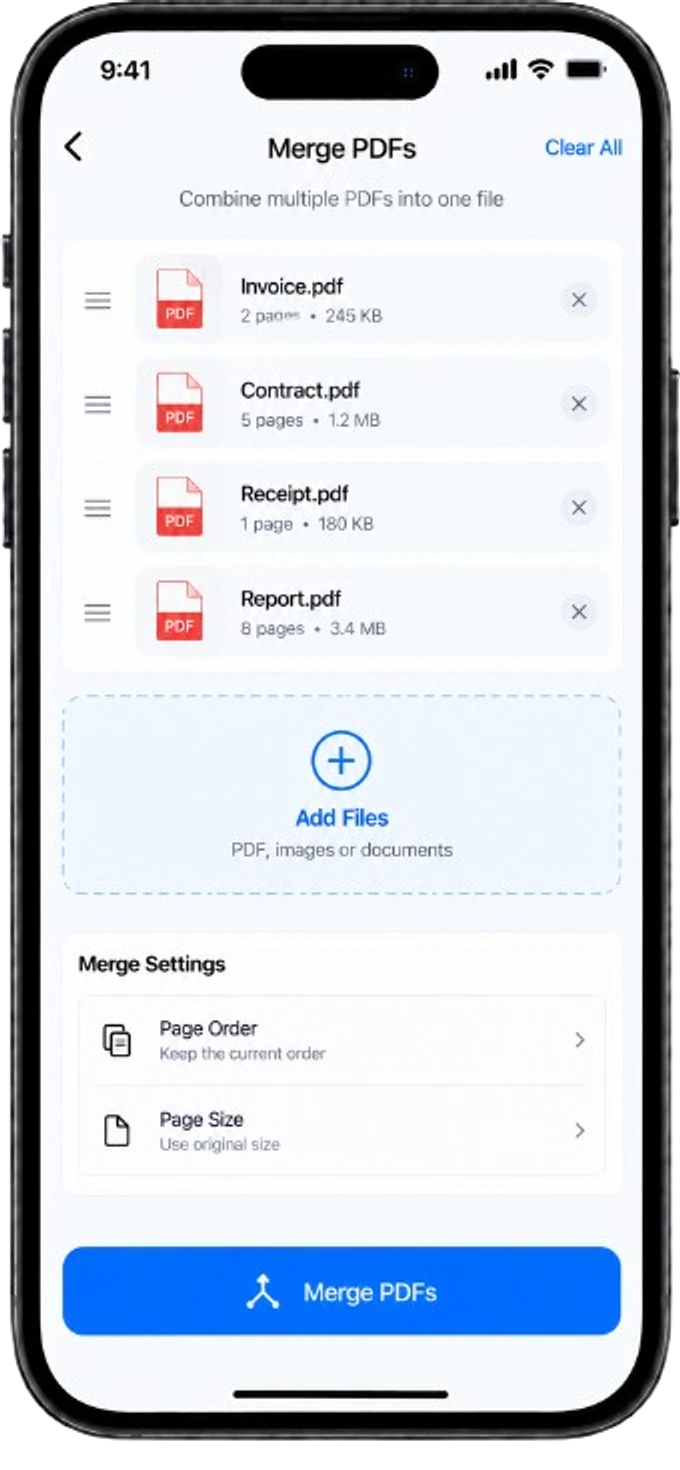
PDF Tools
- Merge PDFs
- Split PDFs
- Compress PDFs
Your privacy matters
Your documents,
always in your control
Your files are processed on your device whenever possible. We respect your privacy and never access your documents without your action.
- No unnecessary data collection
- On-device processing (offline mode)
- Secure, biometric-protected storage
- You remain the owner of your documents
Why users choose Okalto
Everything about Okalto
Yes, Okalto offers a full free plan with PDF scanning, QR code reading and limited OCR. The Pro plan unlocks unlimited OCR, advanced export and removes ads.
Yes, scanning and OCR work without a connection. You can scan and extract text even without internet access.
Okalto is available on Android via Google Play and on iPhone via the App Store.
Yes, Okalto's OCR lets you export extracted text to Word, and receipt/invoice data to Excel.
Your documents can be protected with biometric lock (fingerprint or Face ID) directly in the app.
Ready to simplify
your documents?
Download Okalto now, free on Android and iPhone.