
Everything you need
for your documents
Scan documents, extract text with OCR, sign PDFs, scan ID cards, manage receipts and organize everything from your phone.
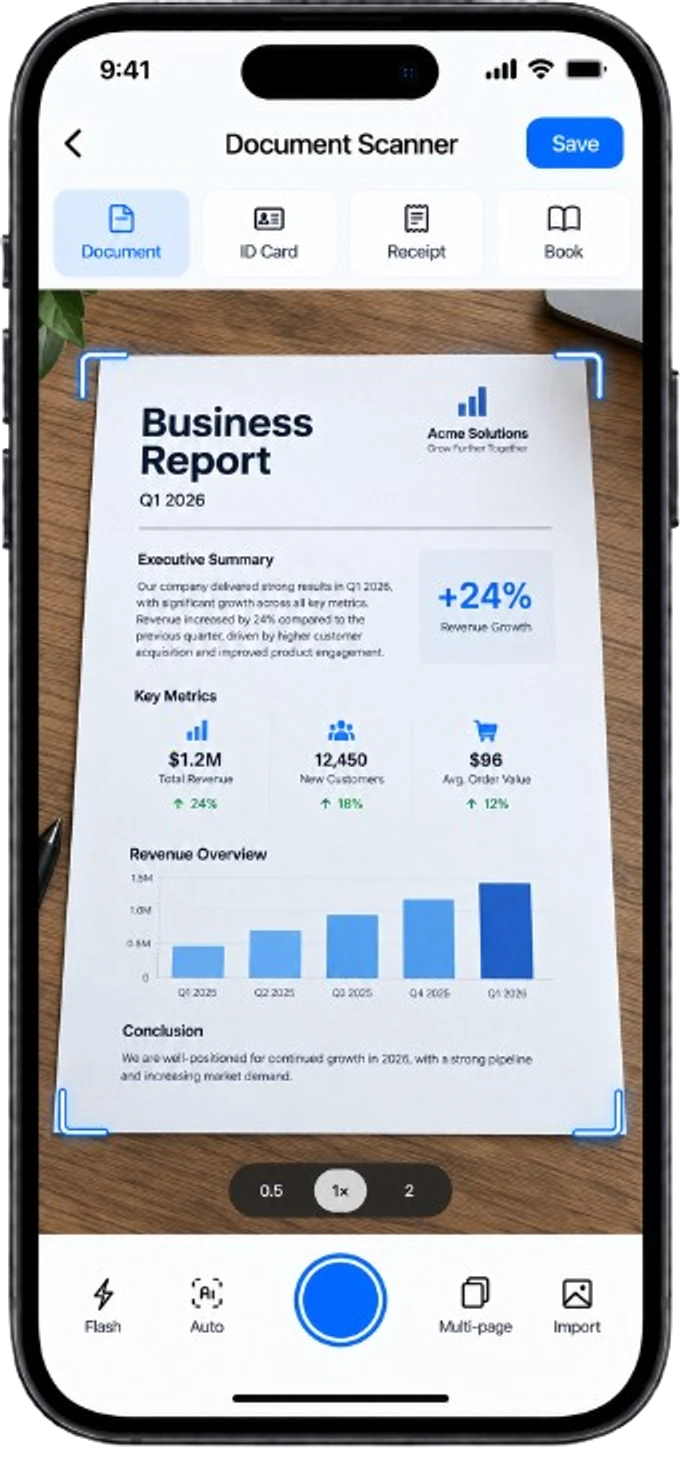
Perfect scans every time
Automatically detects edges, corrects perspective and enhances your documents for professional results.
- Smart edge detection
- Automatic cropping
- Perspective correction
- HD quality scans
- Multiple filters
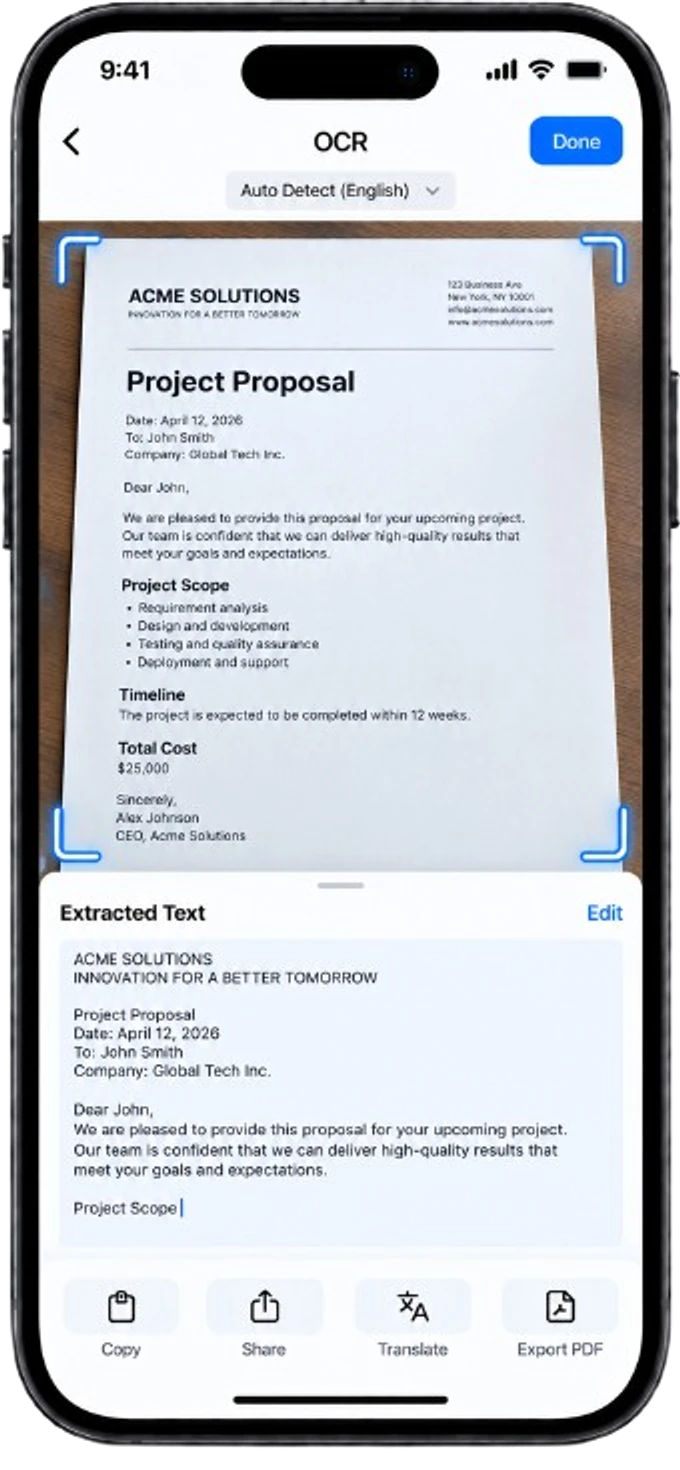
Turn scans into editable text
Extract text from any document, search instantly and export to Word or other formats.
- Extract text instantly
- Copy and share
- Export to Word, TXT
- Search scanned documents
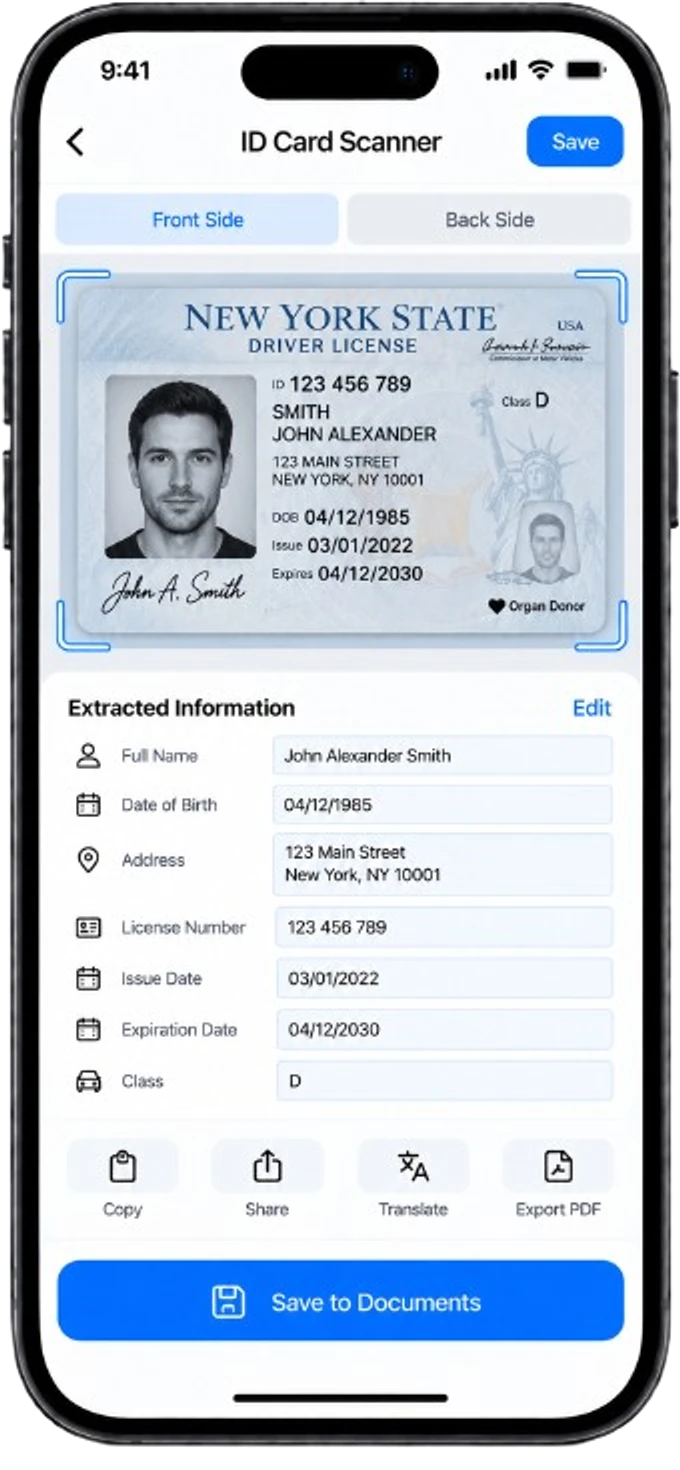
Scan ID cards front and back
Quickly scan and extract data from ID cards, passports and official documents.
- Automatic card detection
- Front & back capture
- Fast data extraction
- Passport compatible
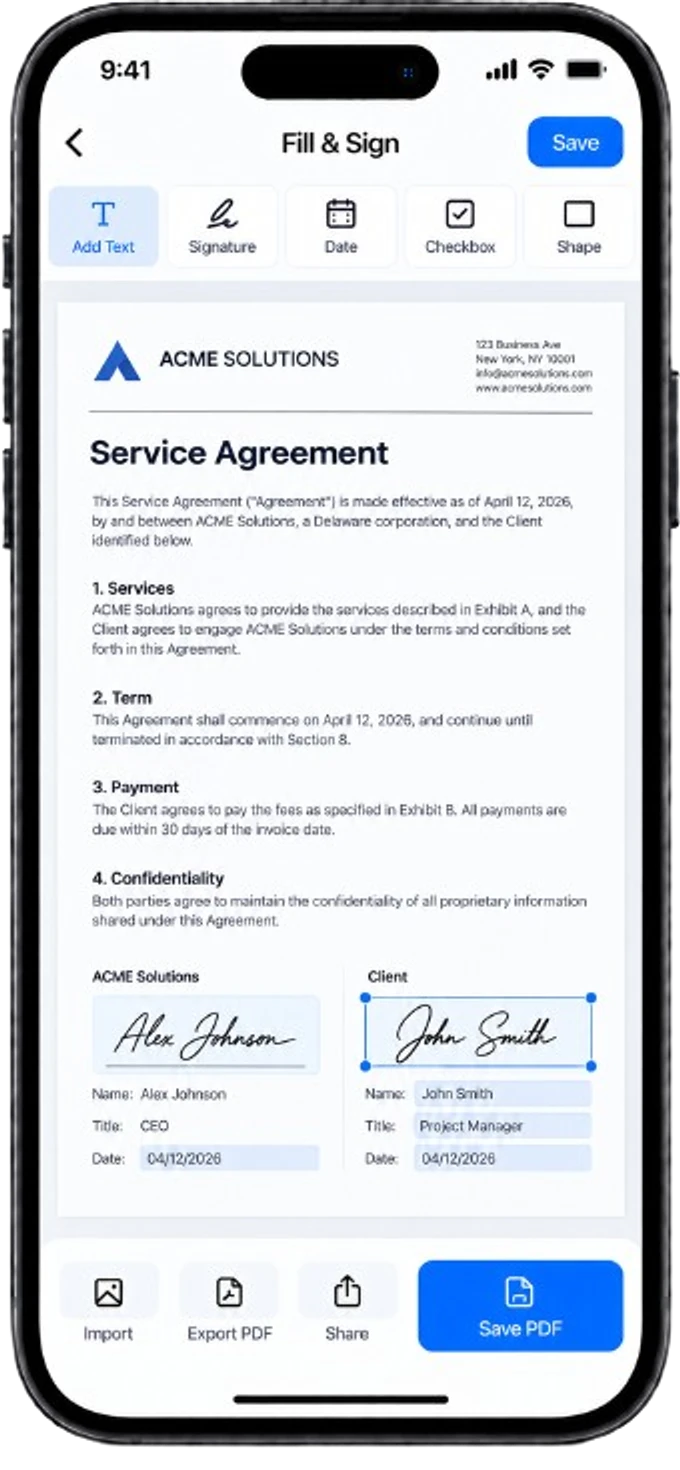
Sign documents without printing
Add your signature, fill forms, insert text and complete your PDFs in seconds.
- Create signatures
- Add text fields
- Insert dates and checkboxes
- Fill PDF forms
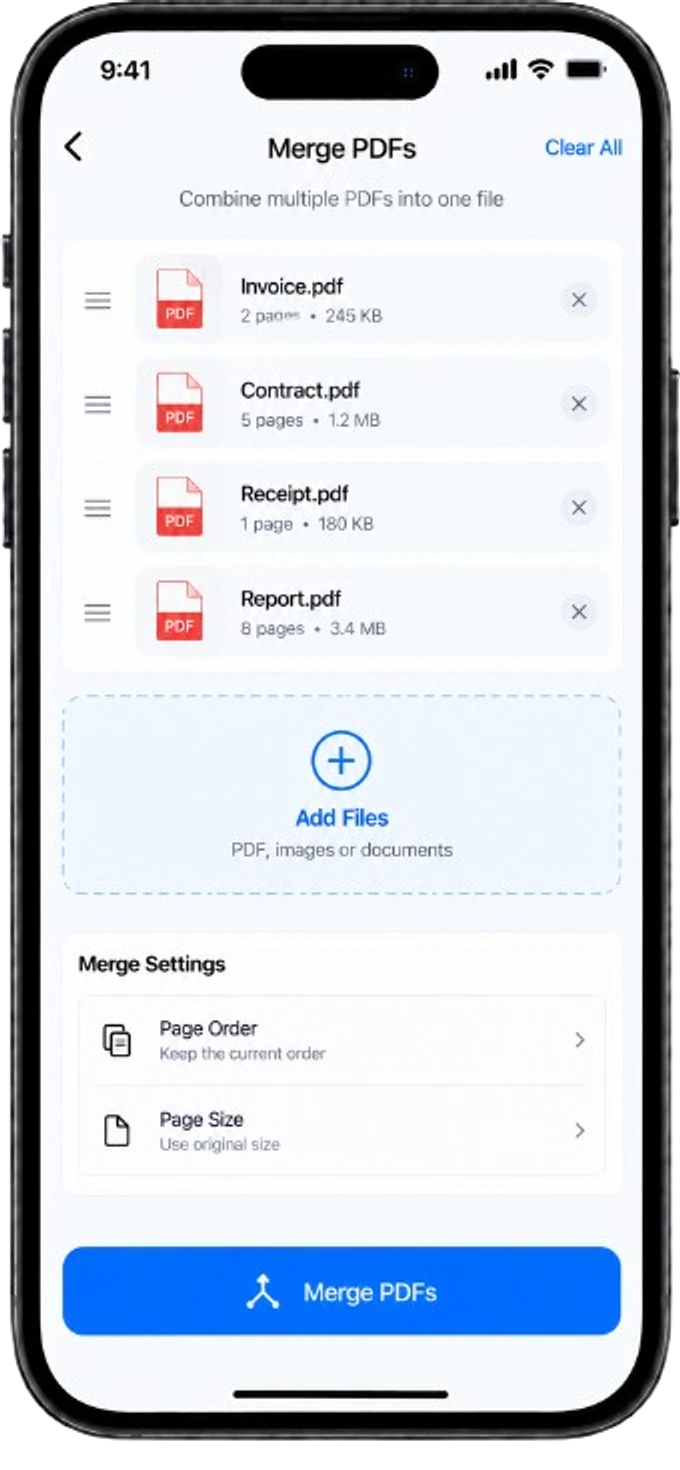
Manage your PDFs effortlessly
Merge, split, compress and organize your PDF files with powerful tools.
- Merge multiple files
- Split PDF documents
- Compress file size
- Reorder and rotate pages
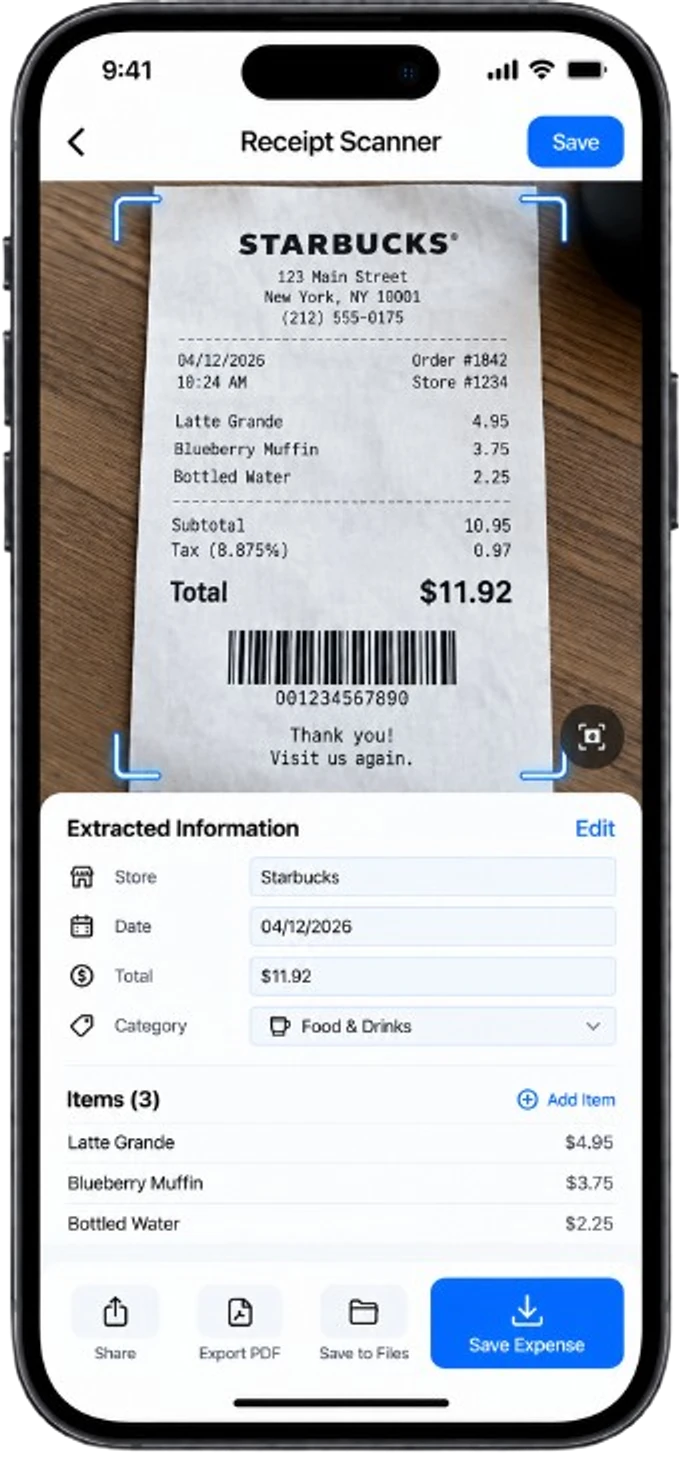
Track expenses automatically
Scan receipts, extract key information and export your expenses.
- Automatic data extraction
- Categorize expenses
- Export to Excel/CSV
- Keep receipts organized
Your privacy matters
Your documents stay yours
We respect your privacy. Your files are processed on your device whenever possible and never shared without your consent.
- On-device processing
- Secure and encrypted
- No unnecessary tracking
- Full user control
- Your data, your choice
Why choose Okalto
Ready to simplify
your documents?
Download Okalto and manage all your documents from one app.
How to scan an ID card (front and back) into a single PDF
Step-by-step method to scan the front and back of an ID card, passport or driver's license into one clean PDF file.
Best scanning app for students: notes, handouts and assignments
How students can use a phone scanner to digitize handwritten notes, printed handouts and assignments efficiently.
How to fill out and sign an administrative document from your phone
Complete a form and add your signature to a PDF without printing it, for leases, contracts and official paperwork.